App guides, the manufacturer's manuals, and what the warranty actually covers. If none of it helps, call us — we service what we install, usually within the week.
IllumiDEL's own walkthroughs, in the order we get asked about them.
Getting started: power on, pick a colour, save a preset.
Wi-Fi setup, and what to do when the Control Box drops off the network — usually a router change.
Schedules and timers, including sunrise-sunset timing that moves through the year on its own.
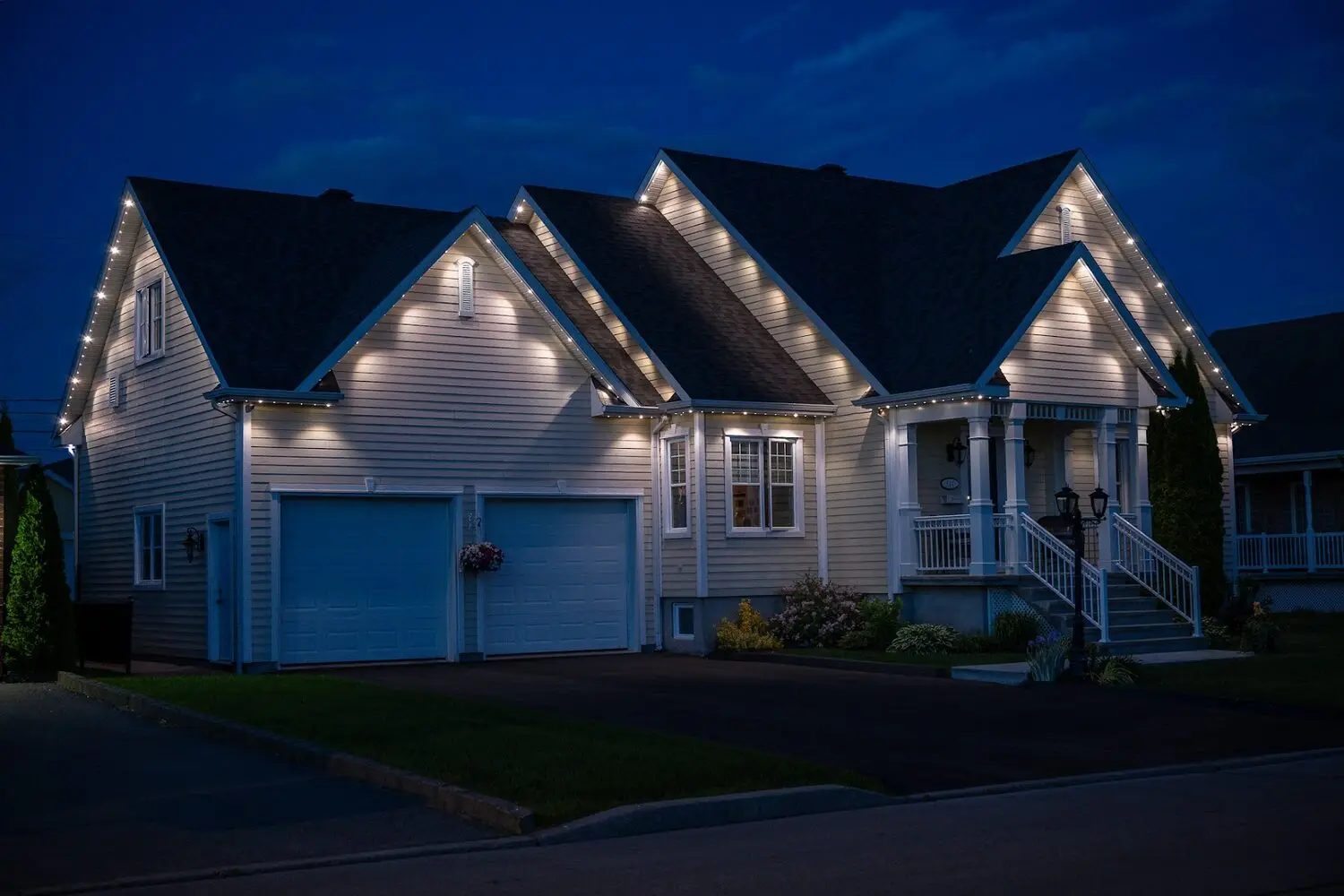
 Photography and video © IllumiDEL Inc. Shown by Bright Neighbour, a Pro Level IllumiDEL dealer.
IllumiDEL's published PDFs. These are the installer-level documents — more detail than most owners need, and exactly the right amount when something is wrong.
The hardware terms are IllumiDEL's published warranty. The labour term is ours. Warranty work on anything we installed is a phone call, not a claim form.
The 30 mm addressable RGBW lamps on your roofline, rated 50,000 hours and IP68.
The controller itself, cULus certified to UL STD 8750 and CSA C22.2 No. 250.13.
Strip, COB, neon, wall wash, sheet, spots and floods.
The Gentek aluminium rail itself. It is aluminium screwed to your fascia; it outlives everything in it.
If a failure traces back to how we installed it rather than to the part, that is on us for three years.
We hold stock of the parts that actually fail. Most warranty calls are a visit within the week, not an order and a wait.
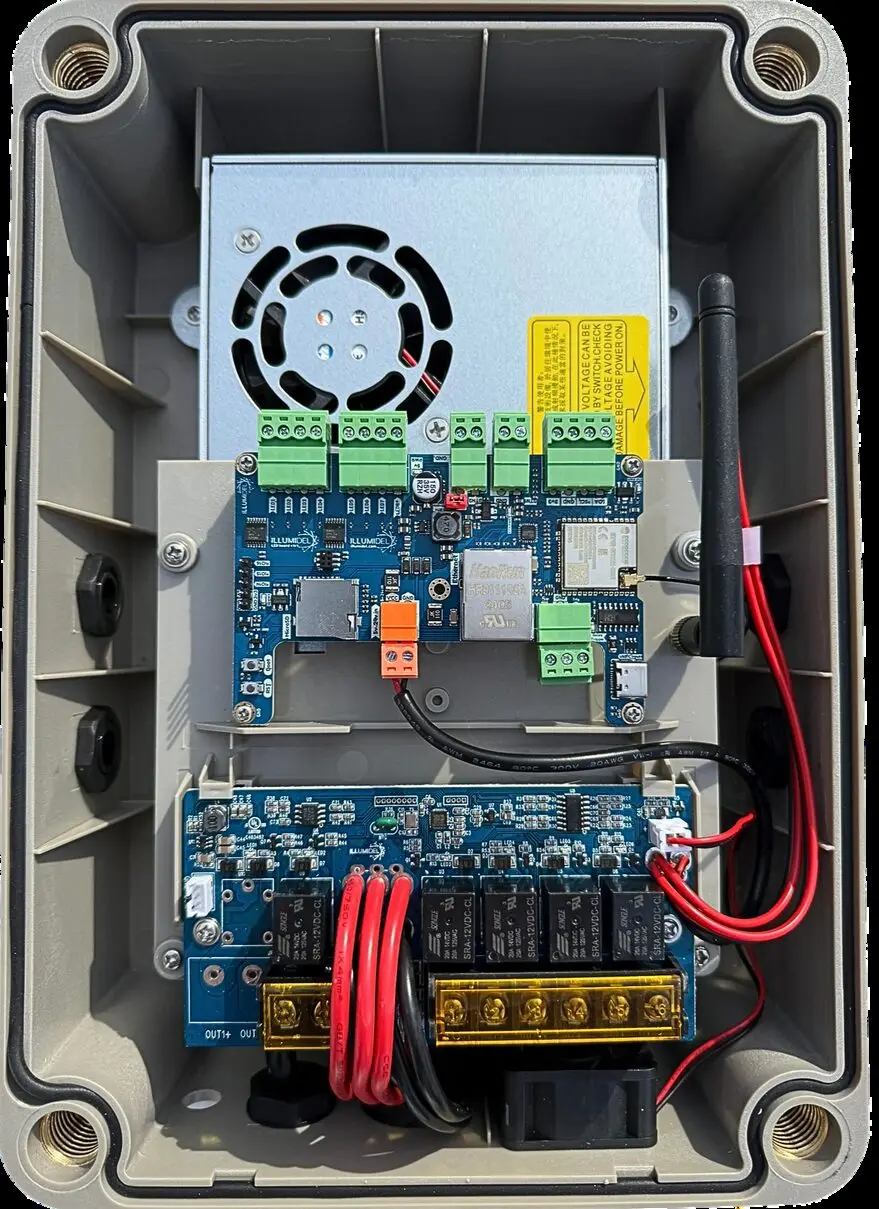
Roughly half the calls we get resolve in about two minutes, and it is nearly always one of these.
The app cannot find the controller. Almost always a router change — a new modem, a new password, or a band change. The Control Box is on 2.4 GHz only, so if your router has merged its bands, split them or set a 2.4 GHz guest network. The Wi-Fi video above walks through re-joining it.
The lights did not come on. Check the schedule first. If you built it around a fixed clock time rather than sunset, it will drift badly against an Ottawa year — sunset moves by more than three hours between June and December. Switch the timer to sunset-based and it fixes itself.
A short section is dark or the wrong colour. That is a lamp or a connector, and it is a warranty visit. Note roughly how far along the run it starts and call us — knowing the position saves us a diagnostic trip.
Call or text 613-499-9888. If we installed it, we will come and look at it.