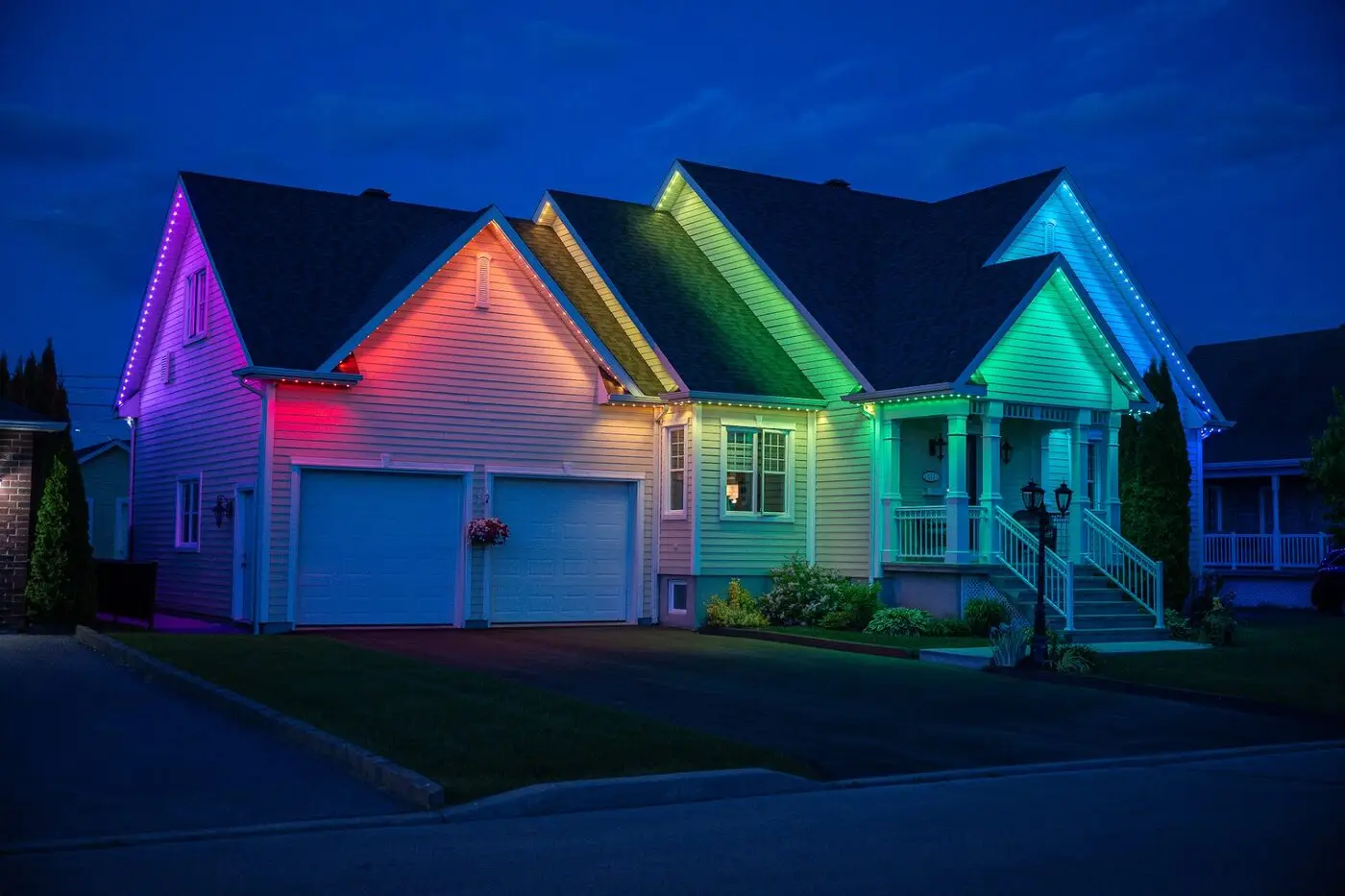
Roofline, custom zones and any existing low-voltage lighting on a single controller with real scheduling — astronomic dusk triggers, scenes you build once, motion rules, and integration with the home automation you already run.
Reply within 1 business day
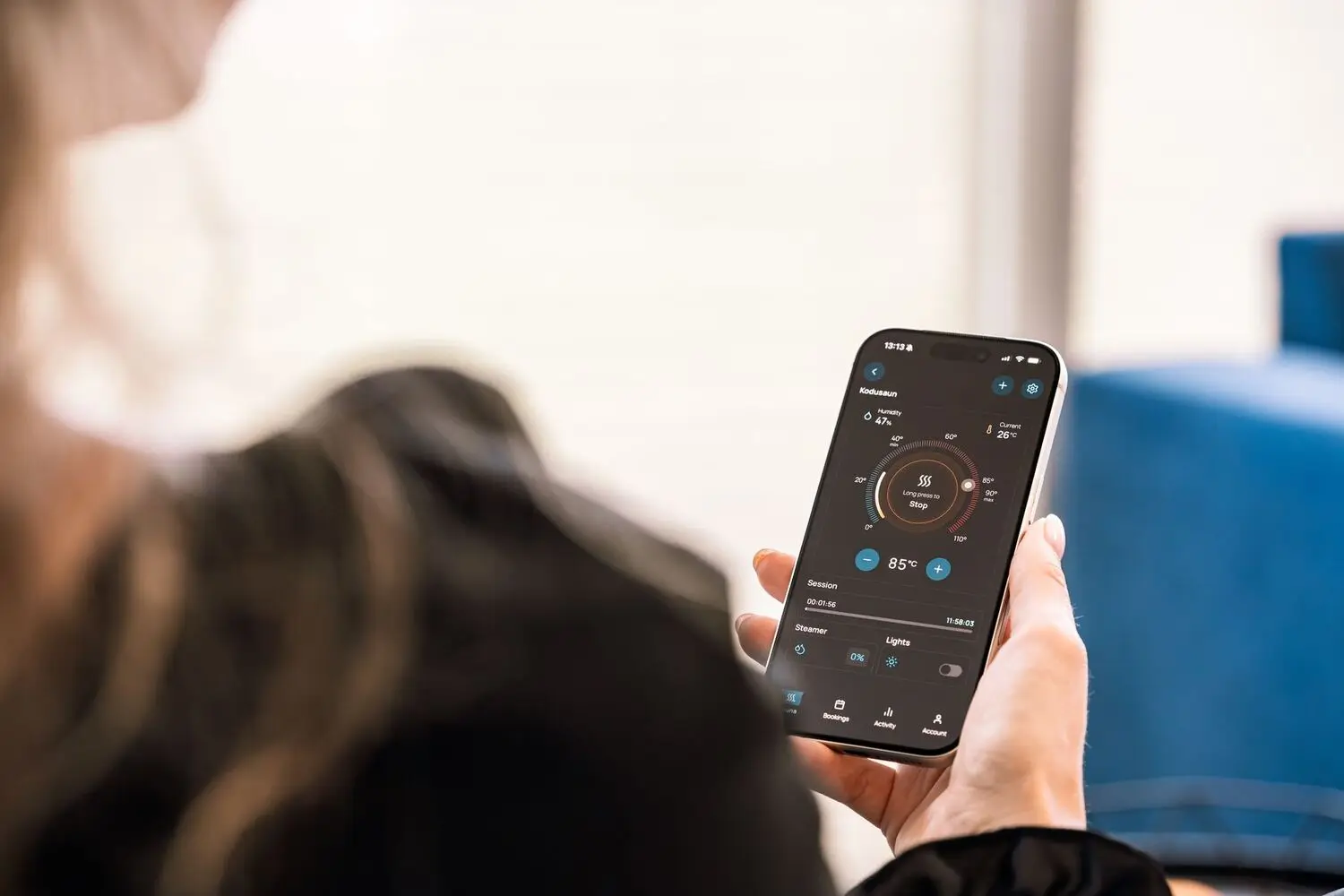
The measure of a lighting system is not how many colours it can do. It is whether the right thing happens at the right time without anybody touching a phone.
So the first thing we set up on every install is the boring part: astronomic dusk triggers. The controller knows the date and your latitude, so the lights come on at actual sunset — 4:22pm in December, 8:52pm in June — and go off at whatever time you name. No seasonal drift, no timer to reset twice a year.
On top of that sit scenes: an everyday warm white, a low overnight level, a holiday setting, a party setting, an away pattern. You build them once with us on install day and then trigger them with one tap, a voice command, or automatically on a date range.
Per-zone on/off at sunset, sunrise, fixed clock times or offsets — 'thirty minutes after sunset' is a valid rule.
Unlimited saved scenes across every zone. Holidays come preloaded; the rest we build with you at handover.
Arrival lighting on the driveway, path lighting that comes up as you walk it, security-level brightness on the back yard sensor.
Set the holiday scene to run December 1 to January 6 and forget about it. Same for Canada Day, Halloween and birthdays.
Alexa, Google Home, Apple Shortcuts and Home Assistant. 'Turn on the back yard' works from the couch.
Schedules and scenes live on the controller. If your connection drops, everything still fires exactly on time.
New install, or an existing low-voltage system that can be retrofitted onto one controller. We will tell you honestly which case you are in.
Controller joined to your network, up to 16 dimmable zones mapped, and the astronomic schedule set before we leave.
We sit down with you and build the five scenes almost everyone ends up using: evening, late, entertaining, holidays and away.
No. The app is free, firmware updates are free, and there is no cloud subscription. If a company is charging you monthly to turn your own lights on, something has gone wrong.
Usually. If it is low-voltage and the transformer is accessible, we can add a controller and zone it. Line-voltage fixtures and old photocell-only systems are more involved — we will tell you after we look at what is there.
Nothing, in the short term — schedules run locally. When you change routers you re-join the controller to the new network in the app, which takes about a minute. If it gives you trouble, call us and we will walk you through it.
Yes, unlimited users. Most families end up with everyone on it, which in practice means the kids run the colour scenes and the adults run the schedule.
It does, and we get asked often enough that we keep notes on the integration. If you are running your own automation stack, tell us at the site visit and we will spec accordingly.
New install or an upgrade to what you already have — book a visit and we will show you what it can do.